Scan a QR code.
Fill a gallery.
Event photo sharing with zero signup. Guests scan your QR code and upload photos in seconds, no app required.
Your gallery stays open free for 7 days. Connect Google Drive and every original is saved to your own Drive, where it stays after the gallery closes.
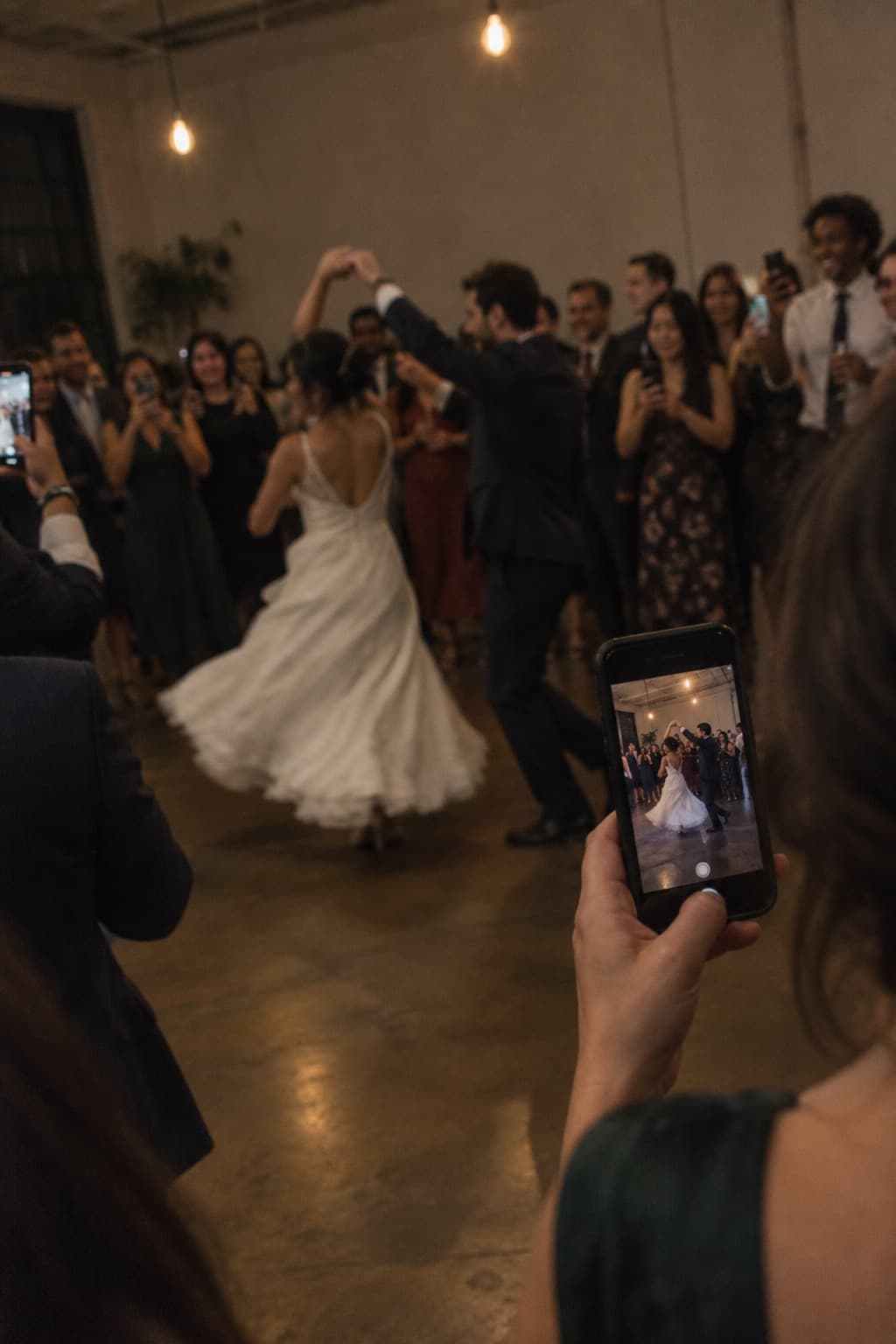
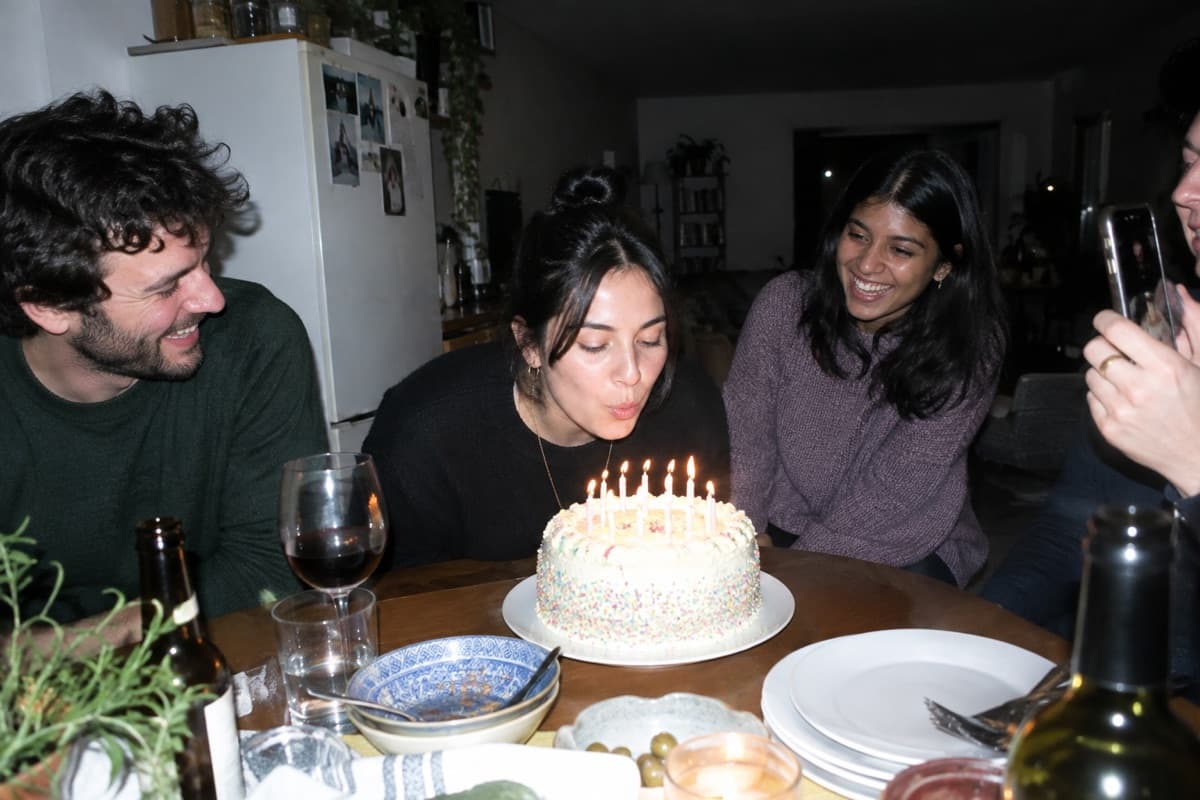
Scan to upload
Straight to your gallery
Follow one photo from their phone to your Drive.
Create your event in under a minute and share its QR code. From there, every guest photo makes this trip on its own, in seconds.

Your event gets a code like this one. Print it or send the link.
A guest scans and taps upload.
The original lands in your Drive.
It shows up in the gallery, live.

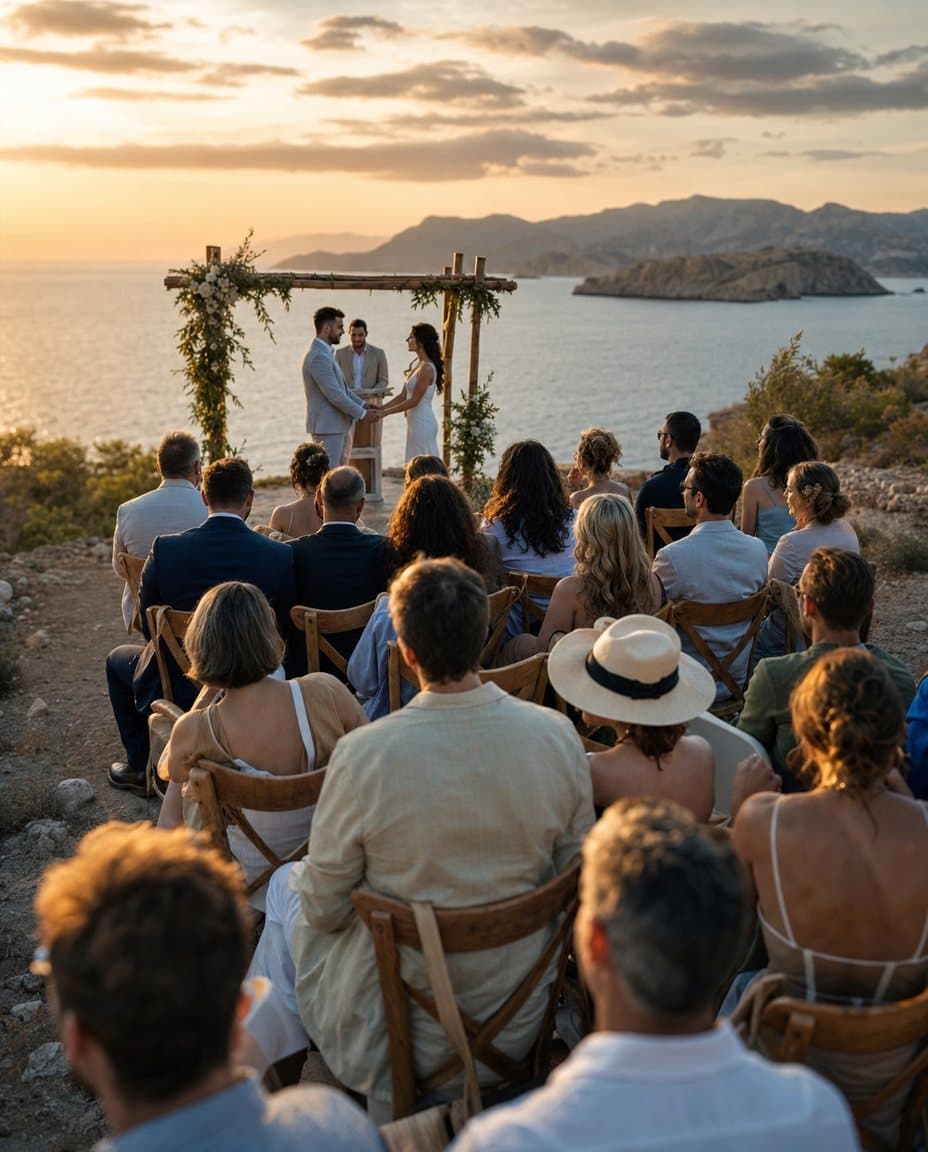


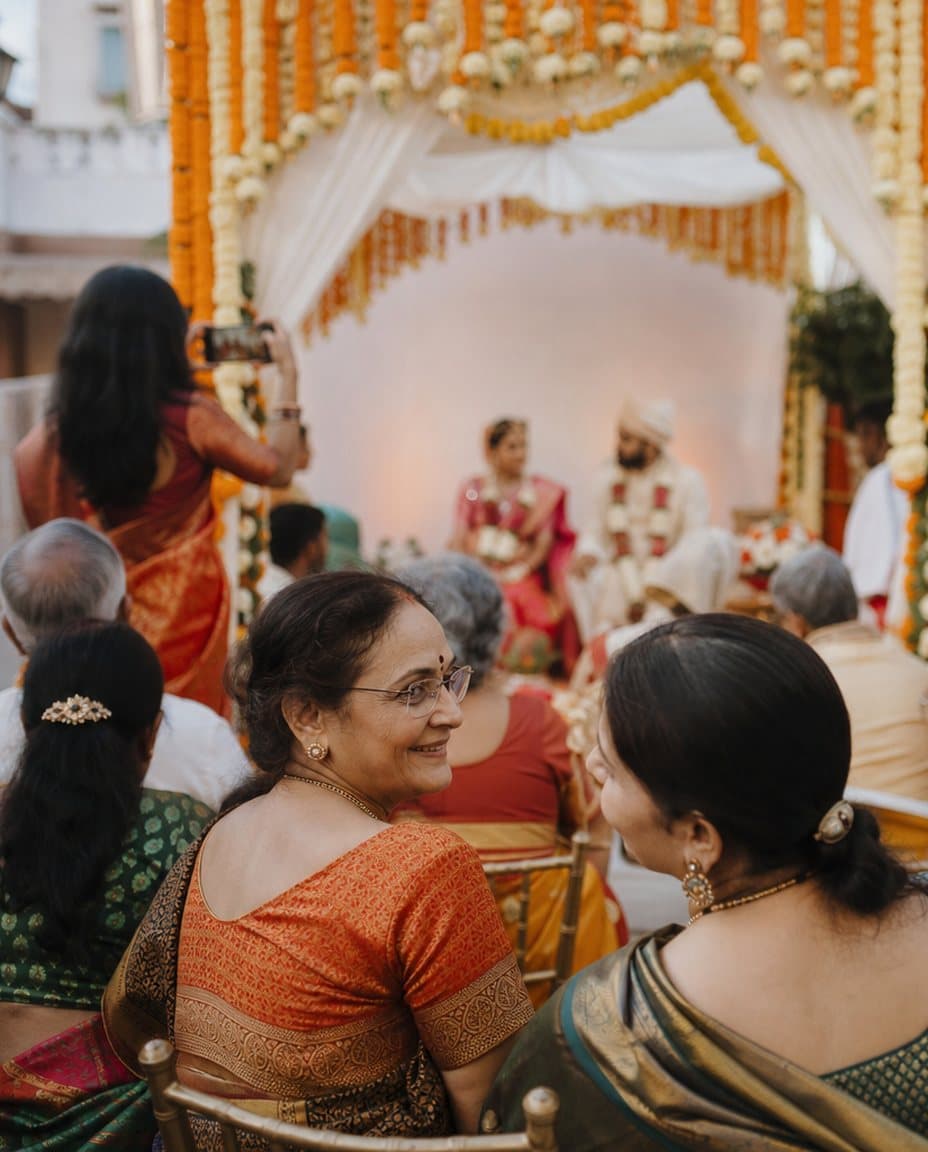
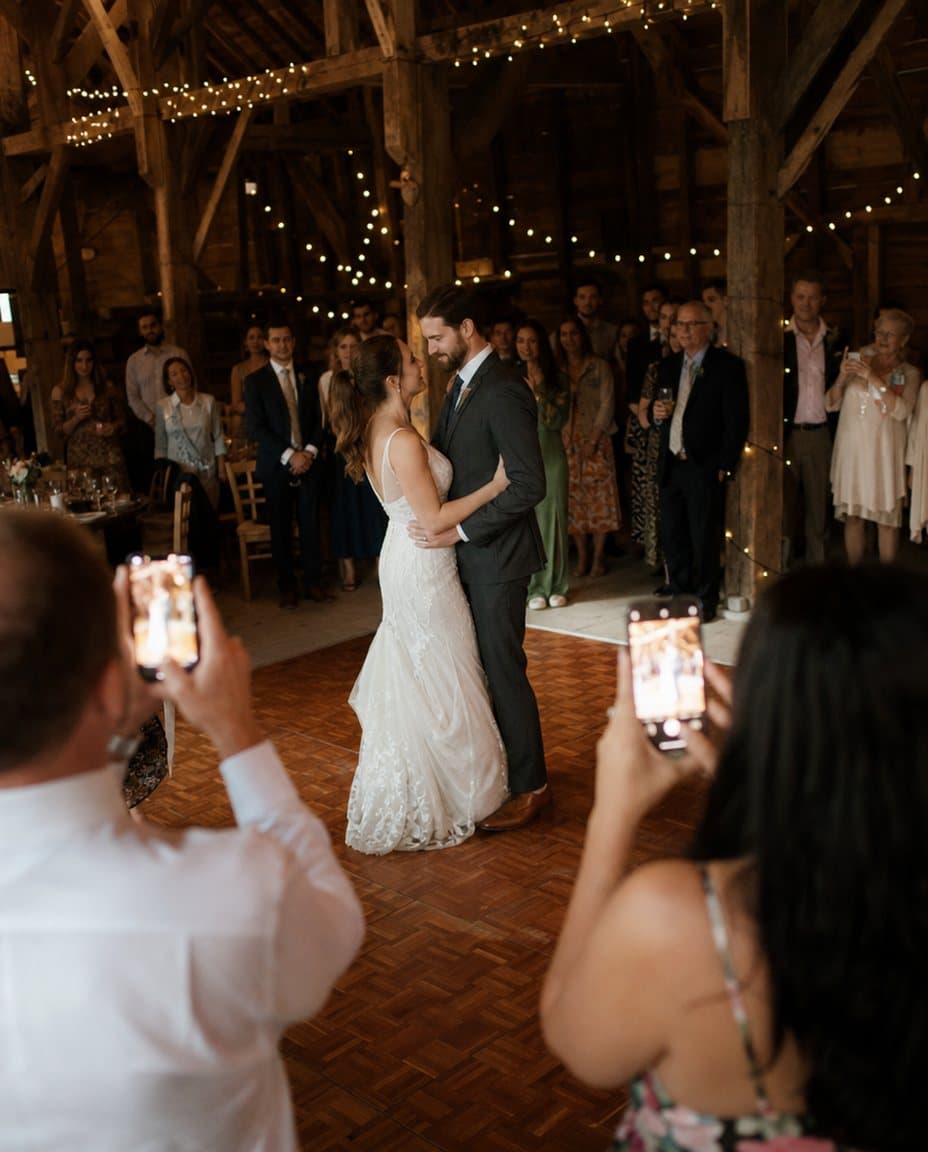
See it in action.
A quick look at guests scanning, uploading, and filling a gallery.

For every kind of gathering.
From wedding receptions to corporate summits, every event deserves a complete photo record.
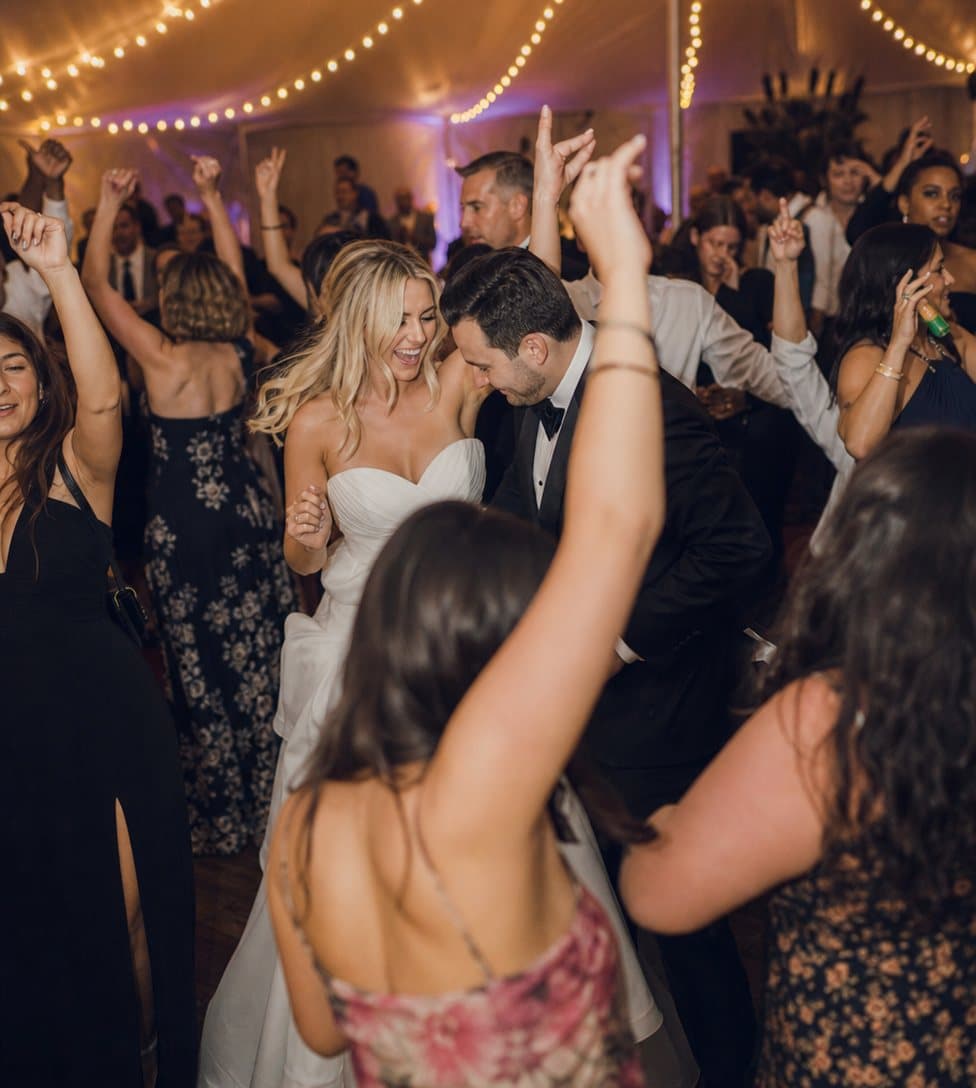
Weddings
Collect every candid moment from every guest. No missed memories.
Explore wedding photo sharing
Birthdays
Let friends and family contribute their photos to one shared album.
Explore birthday photo sharing
Corporate events
Professional photo collection for conferences and team events.
Explore corporate event photo sharingThis is what your memories look like.
Every photo your guests capture, collected into one beautiful gallery, on desktop and mobile.
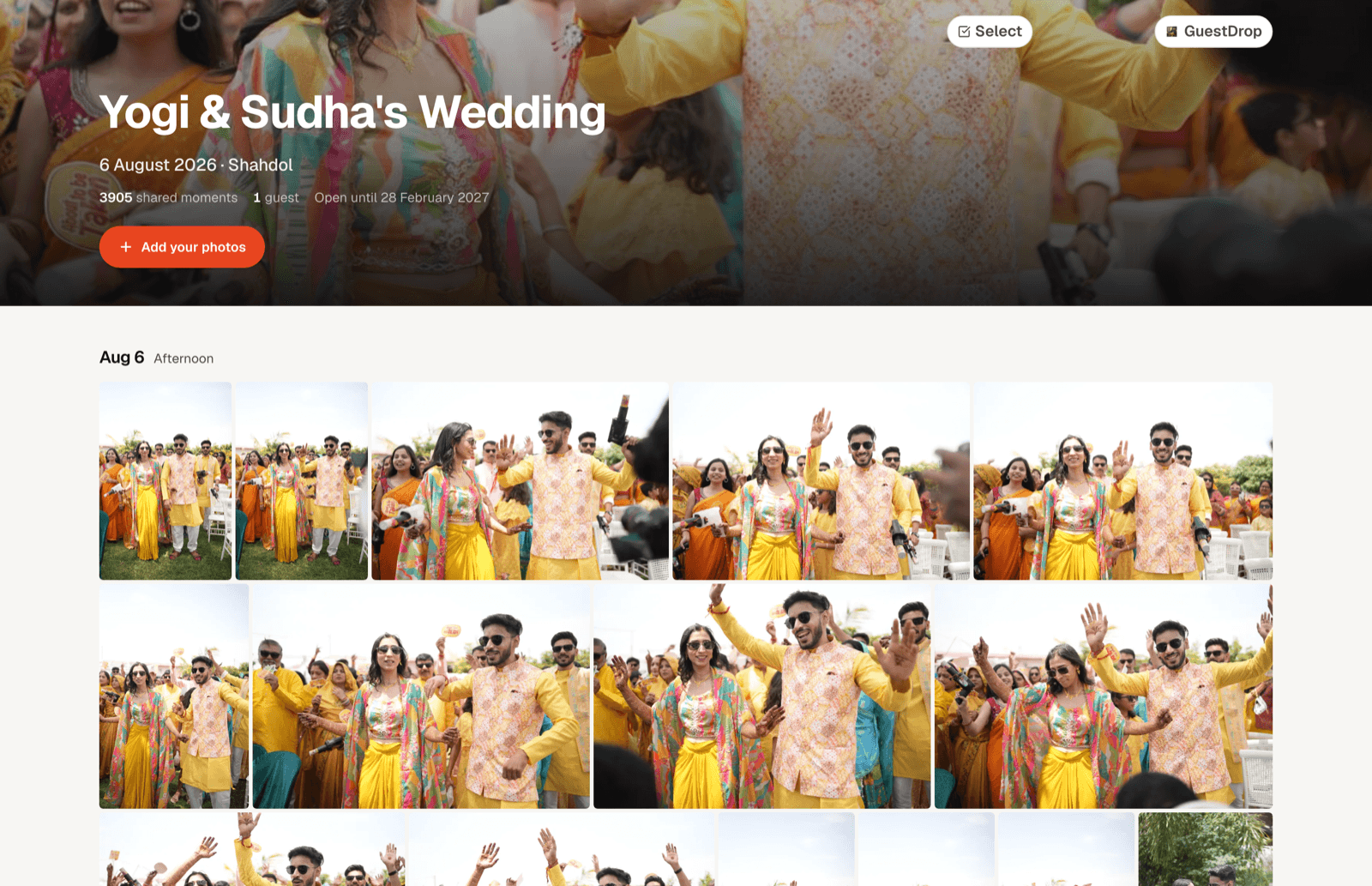
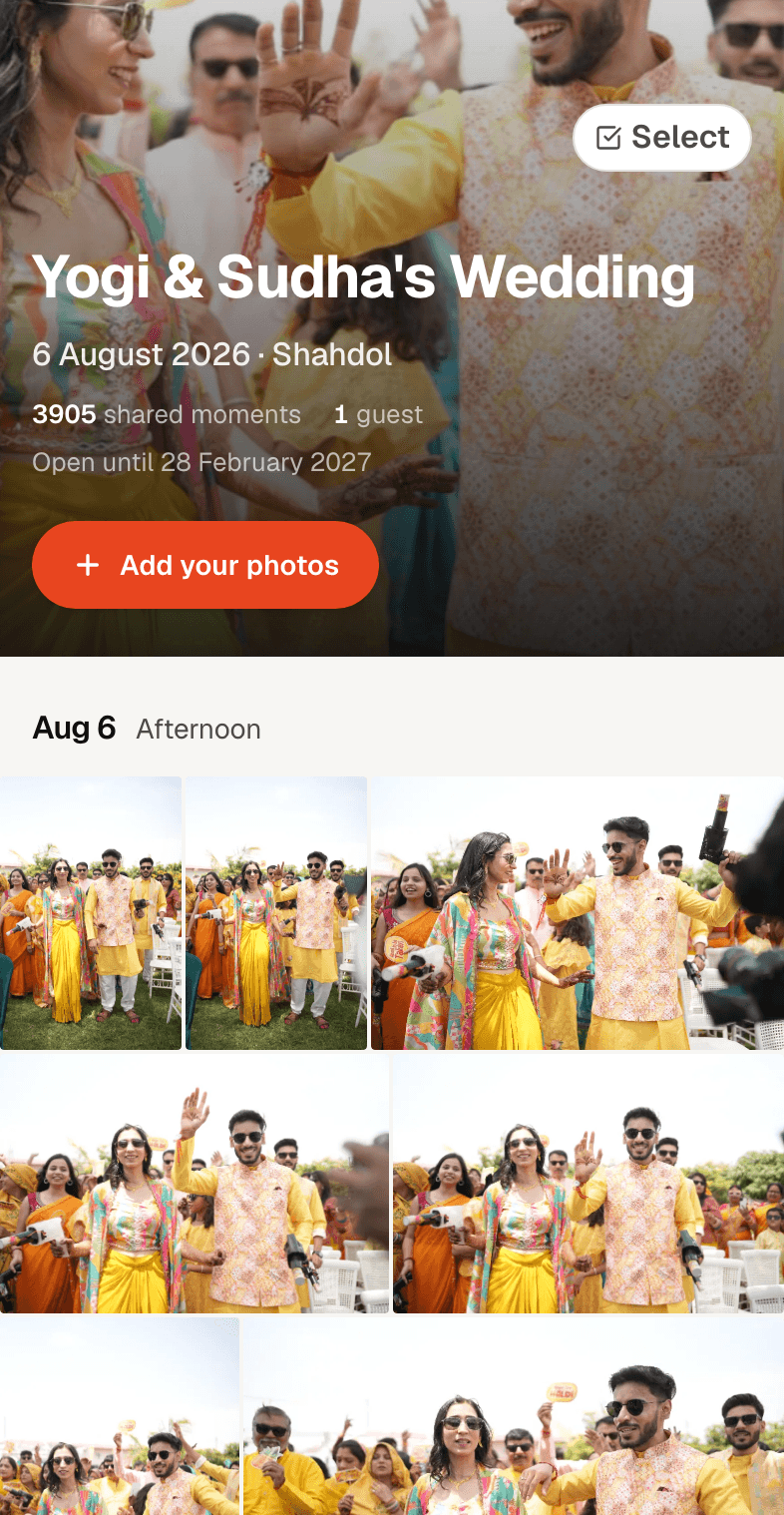
Photos shared
Events created
GuestDrop has helped guests share over 116,004 photos across 2,385 events, and a new event takes under a minute to set up.
What event hosts are saying
Hey!! Guestdrop is so useful app, using it for my wedding wish me luckk:)) thankful for such agood experience
Tulin S
Bride!!
You can share your best photos...or the worst!
Mariage Alix et Romain
Easy to use, and met all the requirements I was looking for
Amanda Ramos
Noiva
Simple. Transparent.
No subscription. No hidden fees. Connect Drive and originals stay in your own Drive.
Standard Event
- Unlimited guest uploads
- Branded QR code
- Beautiful gallery
- Google Drive storage
- Download all as ZIP
- 7-day hosted gallery
Need the gallery open longer? Extend it once per event: 1 month for $3.00 or 3 months for $5.00.
Create Your EventFree to start. Nothing to pay to create an event.
Common questions
No, they just scan the QR code with their phone camera. It opens a mobile-friendly upload page in the browser, no app, no signup, no friction.
Wherever you choose. Connecting Google Drive is optional. If you connect it, every photo or video a guest uploads is saved into a folder GuestDrop creates inside your own Drive, so the originals sit in an account you already own and your normal Drive quota applies. Guests never see your Drive or need access to it; the upload flow only writes into that one event folder. Uploads pass briefly through GuestDrop's cloud storage on the way, and we keep small thumbnails there so the gallery loads quickly. If you skip Drive, photos and videos are stored in GuestDrop's cloud storage instead, and you can download everything as a ZIP from your gallery. The hosted gallery stays open free for 7 days. With Drive connected, nothing is deleted from your Drive when it closes or when you disconnect: the photos stay exactly where they landed, ready to download, share, or turn into an album.
Unlimited uploads per event. Every guest can upload as many photos and short videos as they want.
The hosted gallery and guest uploads stay open free for 7 days after your event. If you connected Google Drive, every original is already in your Drive and stays there after the gallery closes. If you didn't, download everything as a ZIP before the gallery closes.
Absolutely. GuestDrop works for conferences, team offsites, product launches, and any professional gathering. The branded QR code keeps it on-brand.
Yes. Every upload travels over an encrypted HTTPS connection. If you connect Google Drive, the originals are saved into your own Drive account, the same storage you already trust for your own files, and you control who can see them through Google's own sharing settings. GuestDrop keeps event metadata in its database (event name, QR code slug, upload settings) plus media in its own cloud storage: thumbnails for every event, and the full photos and videos for events that don't use Drive. Guests do not need an account to upload, so there is no guest password database that could be exposed in a breach. If you revoke GuestDrop's Drive access, new uploads to Drive stop; nothing already in your Drive is affected.
GuestDrop is free to start, with no subscription required. You can create an event, generate your branded QR code, and start collecting guest photos and videos right away. No premium tier gates the core experience: guest uploads, the gallery, ZIP downloads, and moderation stay free for every event, whether it is a wedding with hundreds of guests or a small birthday gathering. Connecting your own Google Drive keeps the originals on storage you already pay for, which is a big part of why the core product can stay free. The only paid option is an optional single payment to keep the hosted gallery open past the free 7-day window, and it never gates any of the free features above.
No forwarding chaos, no compression, no lost media in a scrolling chat. Every guest upload lands straight in your own Google Drive at full quality. See the full GuestDrop vs. WhatsApp comparison.
Your guests are already taking the photos.
Give them one QR code to put them in. Set up your event in under a minute, and every photo lands in one place.
Create Your Free EventFree to start. No app for your guests.